When Should You Upgrade Your Phone? 5 Signals + 2-5 Year Guide
Your phone — is it still holding up?
Honestly, a lot of people don't 'not want to upgrade' — they just don't know if 'now' is the reasonable time to do it.
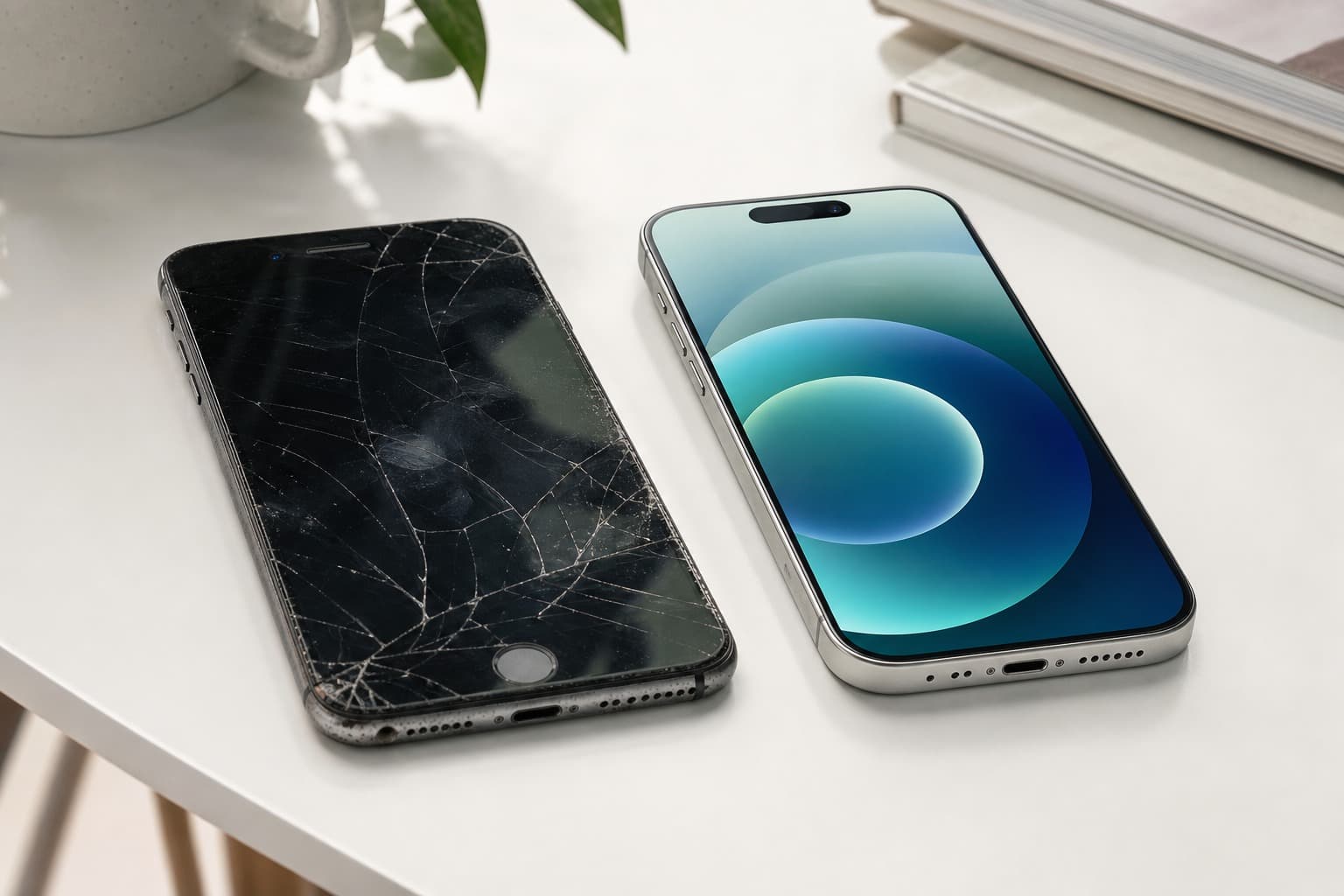
Friends occasionally post new phones on social. You glance at yours — there's a horizontal line on the screen, the charging port is loose and you have to angle it just right — but you tell yourself, 'still usable la, let me wait.'
'Let me wait' — in most Malaysians' phone journeys, this sentence has been said for at least over a year.
Let's talk seriously. A few signals — if they show up, it really is time to consider.
1. Battery Can't Last Half a Day
Fully charge in the morning, by lunch it's 30% — it's not that you're using it too much, the battery is genuinely old.
Lithium batteries have one practical issue: after 500+ charge cycles, capacity starts dropping noticeably. Your phone might already be at 70% or 60% real capacity, but the system shows '100%'.
You think you charged it full before heading out. That 'full bar' is actually 60% of the original full bar.
A lot of people think 'just replace the battery' — sure, but a month later you'll realize it's life-support, not a fix. Other parts of an old phone are aging in parallel. After replacing the battery, other problems are waiting.
2. System Updates Have Stopped
Most people overlook this, but it actually matters.
Android phones usually get 3-4 years of security updates, iPhones slightly longer. Updates stopping doesn't mean the phone breaks, but it means: your phone no longer receives security patches.
Which means what? Online shopping, banking transfers, WhatsApp, TNG e-wallet — everything you use daily runs on a system without security protection. Hackers won't specifically target you, but system vulnerabilities are public — someone will exploit.
If your phone has stopped receiving system updates, this isn't a 'should I upgrade' question — it's risk management.
3. Lag Starts to Affect Your Work
Opening WhatsApp takes a second. After a screenshot you have to wait for the phone to catch up before you can send it.
You might be used to it. But think back — when did you start 'getting used to waiting for the phone'?
A friend doing delivery told me: navigation app sometimes opens slowly, the order is accepted but still loading, the customer is already pinging. Small business owners — sending a promo image to customers, picking the photo, compressing, sending — lag a couple of times during this flow and you don't know how much time you waste in a day.
Lag isn't just bad experience — it's genuinely eating your time and patience.
4. Camera Shots You Don't Even Want to Send
This isn't an aesthetic problem — it's a hardware gap.
Social media photos, TikTok content, Instagram posts — camera specs are very high now. If your own shots make you think 'forget it, won't post', that's the signal.
Especially low-light indoors, evening dinners out, taking kids out wanting to capture memories — these scenes test phone cameras most. And expose old phone weaknesses most clearly.
Not telling you to chase the most expensive flagship camera. But if you've started 'abandoning recording moments' because photos are too bad, that cost isn't worth it.
5. Repair Quotes Make You Waver
Screen replacement RM350, battery RM120, motherboard issues maybe RM500 —
Then you search a bit, find a decent new phone, after installment it's RM39/month.
One repair's worth of money is sometimes close to several months of installment. An old phone repaired is still an old phone — speed doesn't increase, system doesn't update, next month there might be another problem.
This math isn't hard.
How Often Should You Upgrade?
No standard answer, but a reference framework exists.
3 years is a reasonable upgrade point for most people. By 3 years, battery starts degrading, system updates are near expiry or stopped, processor has a clear gap vs new flagships.
But it depends on how you use it:
If you shoot videos daily, run delivery, handle heavy customer messaging, phone is running almost non-stop — 2 years is worth considering. Heavy use accelerates all hardware aging. Daily 'earning your keep' with the phone, but it's holding you back — not worth it.
If you only occasionally scroll videos, take calls, WhatsApp family, and the phone is well-protected — 4-5 years is also completely reasonable. No need to force yourself to follow trends.
One thing to clarify: Don't upgrade just because a new model launched. Brands launch new phones every year. If your phone runs smoothly, battery is fine, system still updates — there's no need. New doesn't equal needed.
Upgrading Isn't As Expensive As You Think
Many Malaysians hear 'upgrade phone' and immediately feel it's a big expense — thousands in one shot.
But after installment, this logic changes.
Take AnsuranPhone: Samsung Galaxy A16 5G 36-month installment from RM39 — in living expense terms, roughly one nice dinner, or a week of bubble tea.
More importantly: your current old phone can be sold.
Second-hand phones still have a market in Malaysia — mudah.my, Carousell have buyers. Even if the price isn't high, it can cover several months of installments. In other words, the real net cost of upgrading is lower than most people think.
I've seen someone sell an old iPhone for RM600, then only pay around RM50/month in difference — after the math, they thought 'should've upgraded earlier'.
Which User Type Are You? Different Direction Recommendations
Battery is top priority: Find 5000mAh+ battery, fast charging support. People out daily without easy charging — this priority beats everything else.
Want to upgrade camera: Look at main camera megapixels, aperture, night shooting. If you often shoot indoors or at night, find one with optical image stabilization — the difference is obvious.
Multi-tasking, work efficiency priority: Processor and RAM are key. Running WhatsApp + navigation + payment apps + delivery app simultaneously — 12GB RAM and up is comfortable.
Specific models — check AnsuranPhone directly, filter by need is faster. No need to get tangled in a wall of specs.
What model do you use now, and for how long?
Just WhatsApp +6010-325 1033, tell me the model and main use. I'll help judge whether it's worth upgrading and what direction fits you. No hard sell — if you really don't need to upgrade, I'll say so.