How Long Does Phone Installment Approval Take? Full Timeline
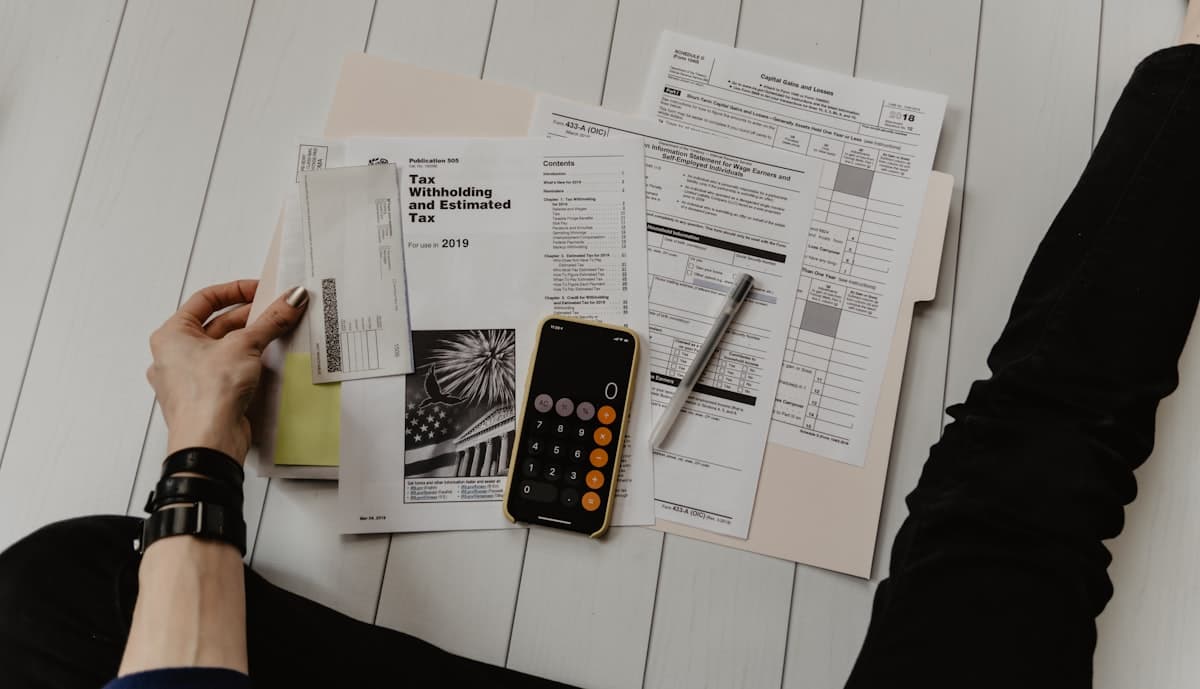
How long does phone installment approval take? I'll break the whole process down for you.
Lots of people WhatsApp their documents and then just stare at their phone waiting — by day three they can't help themselves and send "can you check on my application?" — completely normal, because nobody actually tells you what's happening during that time.
This article lays out the AnsuranPhone approval timeline in full — which phases you have to wait through, and which phases are actually within your control.
Day 1: You Submit Your Documents
You WhatsApp your IC, payslip, and tell them which phone you want. This part is on you.
Once received, they do a manual check first — is the document set complete, is the IC clear, is the payslip the right month. This usually wraps up the same day, next day at the latest. If there's an issue, they'll tell you right away what needs to be added.
Key thing: after you submit, it doesn't go directly into the JCL queue — AnsuranPhone organises your file first, then sends it for review.
Day 1–2: Manual Review Phase
During this time AnsuranPhone is putting your application file together. If your documents are complete in one shot, this step moves fast.
Common reasons things get stuck here:
- IC photo too dark or a finger is covering a corner
- Wrong payslip month (they need the most recent month)
- Payslip format unclear (some companies use custom slips that reviewers struggle to read)
- Income information you provided doesn't match the numbers on the payslip
All of these are avoidable. Take IC photos somewhere with good lighting. Screenshot the full payslip page, not just the salary amount line.
After Your File Is Complete: JCL Review (~3 Working Days)
Once the file reaches JCL (JCL Credit Leasing), you wait for them to run their process. JCL is the financing company AnsuranPhone partners with — the actual approval decision is made by JCL, not AnsuranPhone.
This phase usually takes about 3 working days. Some files come back a little sooner, some a little later — this is normal and doesn't indicate you won't be approved. Each file has its own position in the queue and review depth.
What you can do in this period: nothing. Just wait. If more than 3 working days pass with no update, that's when it makes sense to ask.
Approval Result
The result will be communicated to you. If approved, they'll walk you through the next steps. If not, they explain why — sometimes you can add documents and reapply.
If approved, one thing to look at carefully: the monthly amount on the approval letter may be slightly different from what you were told initially. JCL adjusts based on your credit record and income. The difference is usually small, but read it before you sign.
Sign and Collect
After approval: in the Klang Valley, book a time at a branch to sign the contract and collect your phone — the in-store process is usually under an hour. Outside the Klang Valley (Peninsular Malaysia), the whole process is done online.
If you sign at a branch, bring: original IC + latest payslip (physical copies). Even if you already sent them via WhatsApp, the originals need to come along for verification.
Why Things Slow Down — It's Usually Not JCL Taking Long
In most "why is it taking so long" situations, the actual bottleneck is days 1-2 — after you submit, AnsuranPhone spots a problem, asks you to add something, you see the message a few days late, and the file enters the JCL queue later than it should have.
The most effective way to shorten the total wait: get your documents right the first time. Clear IC, complete payslip, consistent personal information. If all of that is sorted, JCL approval usually comes back in about 3 working days.
Any questions, or want to check if your documents are good enough — WhatsApp +6010-325 1033. Tell them your situation and they'll explain.